

Full visibility, nothing hidden.
Every sentence your child writes and every picture they see lives in your dashboard, verbatim. No black boxes, no edited highlights, just the real thing.
For parents & families
Real-time visibility into every word your child writes and every picture they see. Built for the way parents actually want to follow along.
What parents get
Every sentence your child writes and every picture they see lives in your dashboard, verbatim. No black boxes, no edited highlights, just the real thing.
Add as many children as you have. Each gets their own age-appropriate space and their own insights tab; you stay in the seat above with one shared login.
No ads to children, no selling data, parents and schools in control. Read the full policy on our privacy page.
Inside the kid app
Rumo opens to a single notebook with two ways to use it. Creative Mode is a blank page where your child writes whatever’s on their mind. Learning Mode walks them through short, grade-appropriate lessons, one at a time.
Creative Mode
Open to an empty page. Your child writes whatever’s on their mind: a story they’re inventing, a feeling, a question. Sit beside them and prompt “what happens next?” Rumo draws what they write, instantly.
Learning Mode
Short modules from 1st through 5th grade, each tuned to age-appropriate sight words and sentence structures. Kids work through one lesson at a time and the notebook fills up as they go.
A look inside Learning Mode
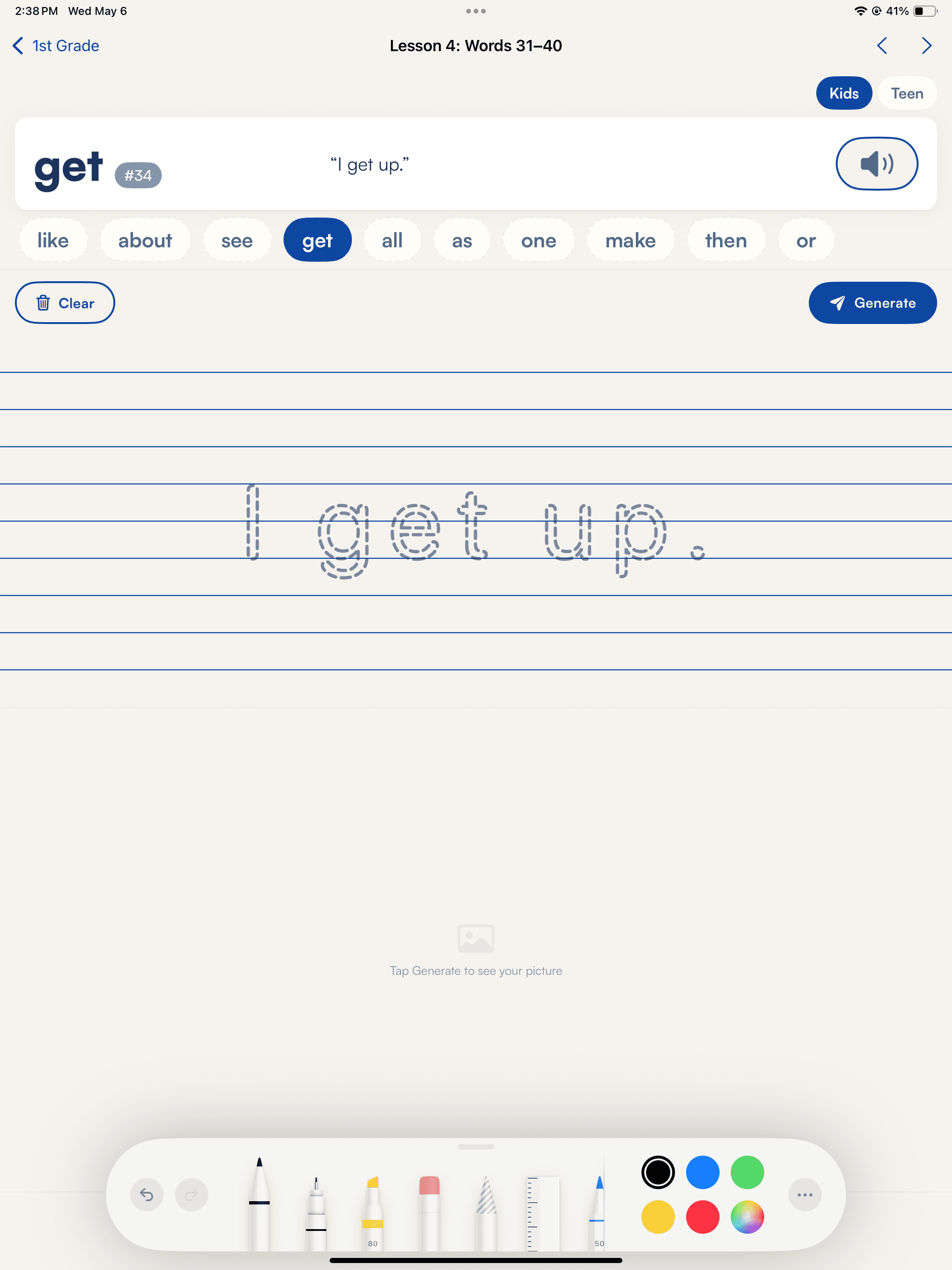
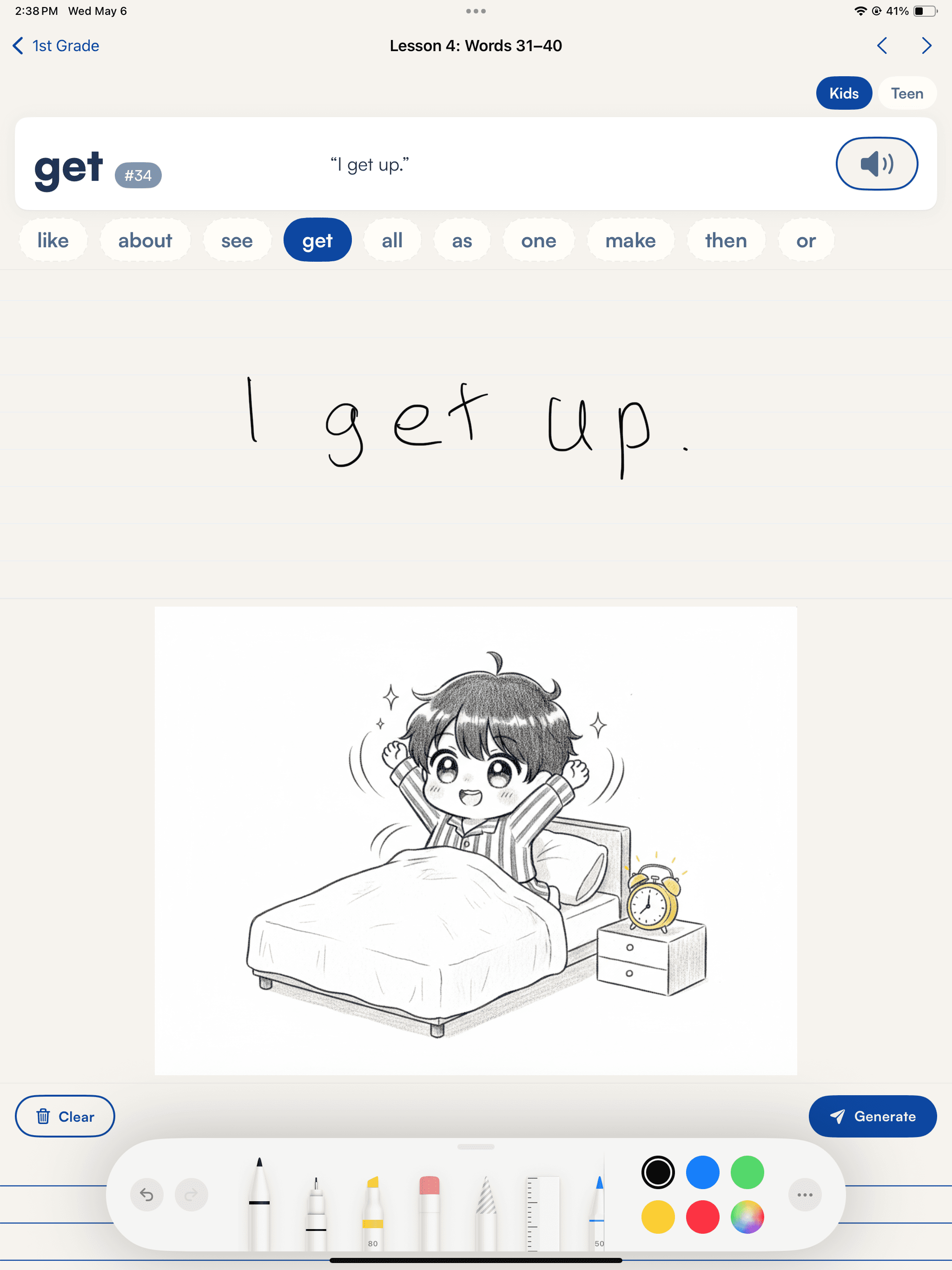
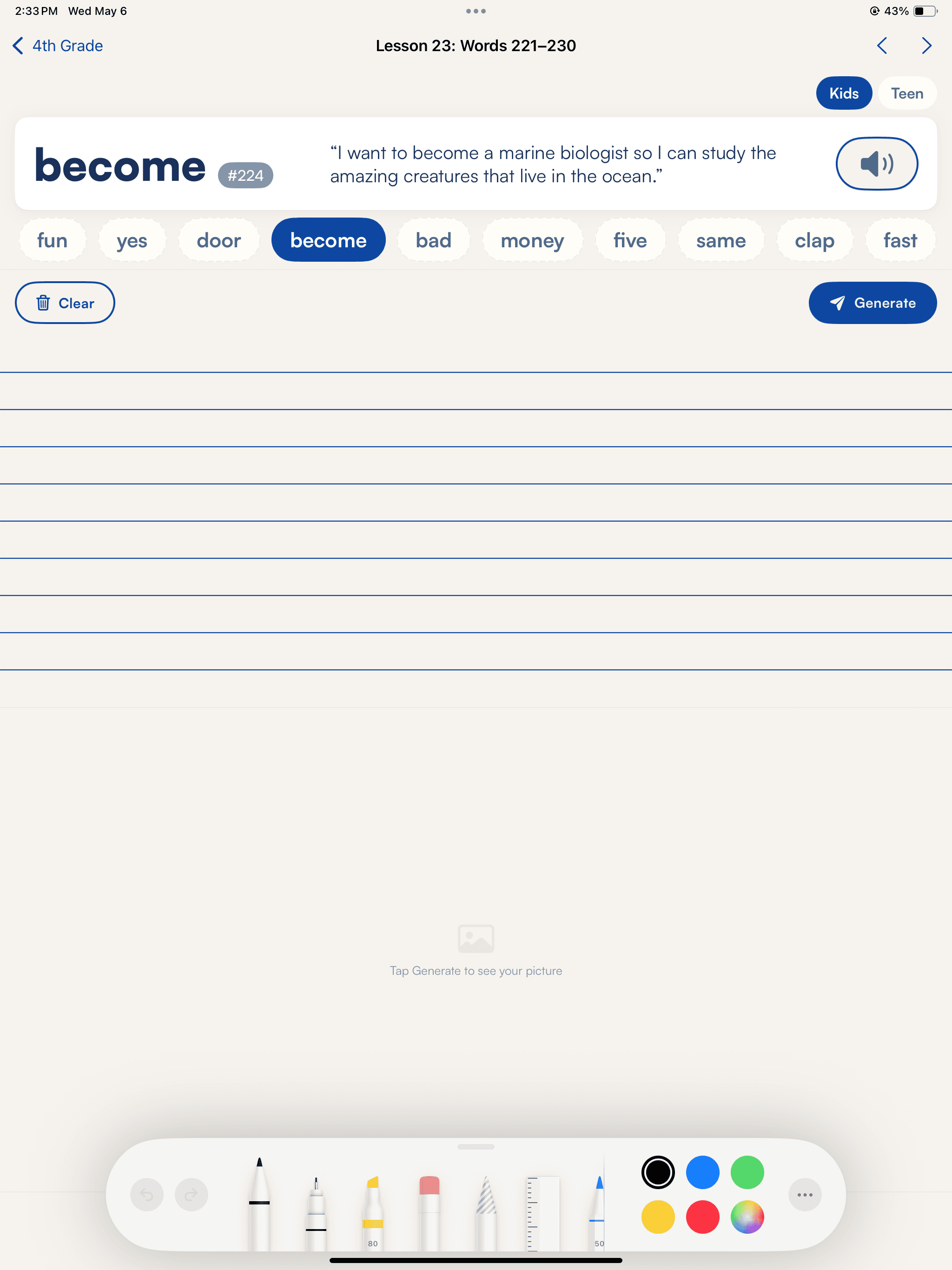
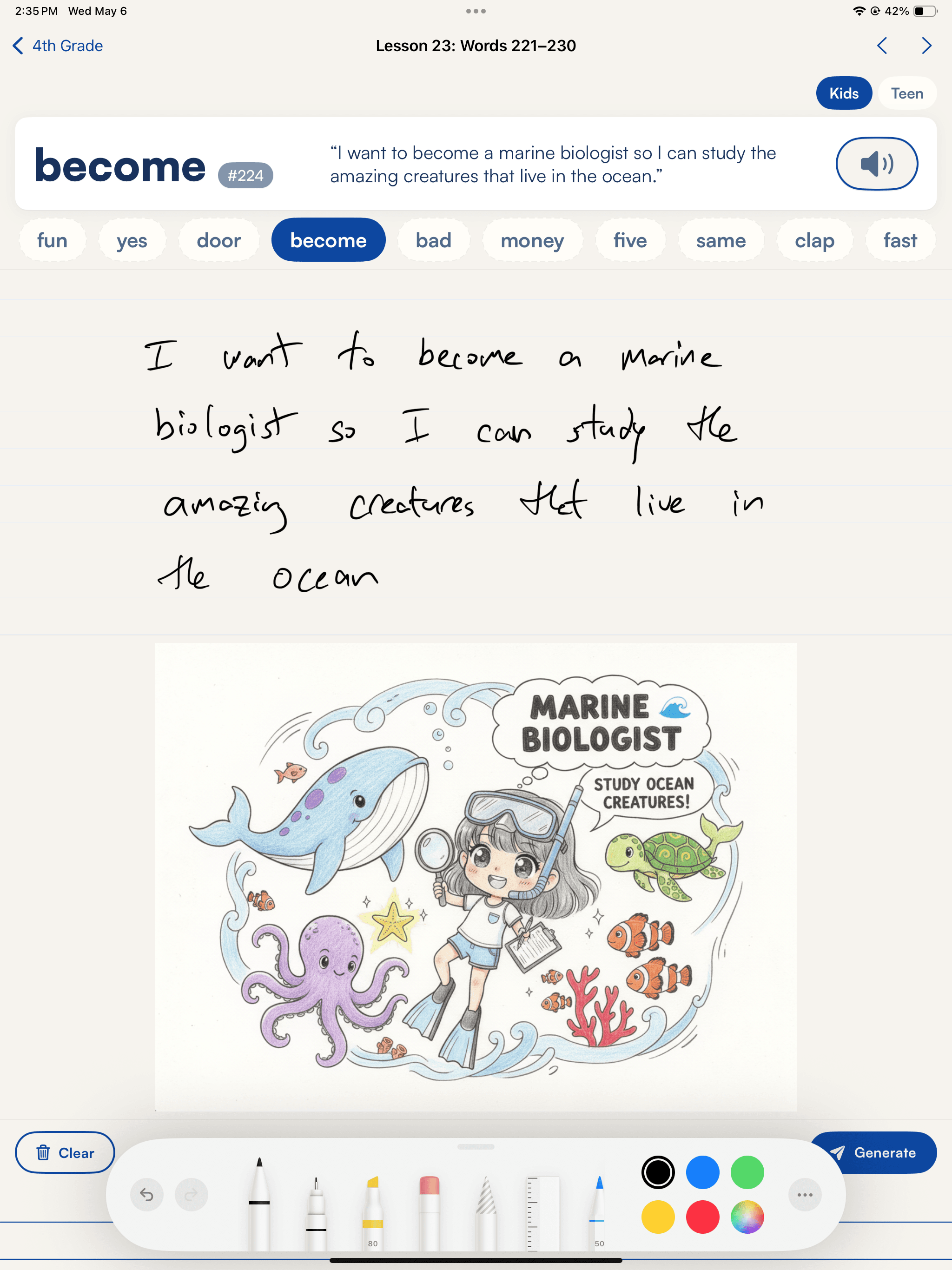
Two example lessons: what the child sees, and what they write.
Rumo introduces high-frequency sight words, then asks your 1st grader to trace the letters to create the sentence.
Rumo shows how so connects a goal with the reason behind it, then invites your 4th grader to write about what they want to be when they grow up, and why.
What you see, what we don’t do
Get started
Start today. Add as many kids as you have, and watch every word, picture, and milestone in one calm dashboard.
Built for learnersDesigned for growthTrusted by schools & families